
Practical guide
Find and correct missing days in a travel timeline
A useful travel timeline should account for every day without hiding uncertainty. Find gaps and overlaps, compare at least two records when possible, correct the stay boundaries, and keep a note of dates that still depend on an official record.
Workflow
Work through the record.
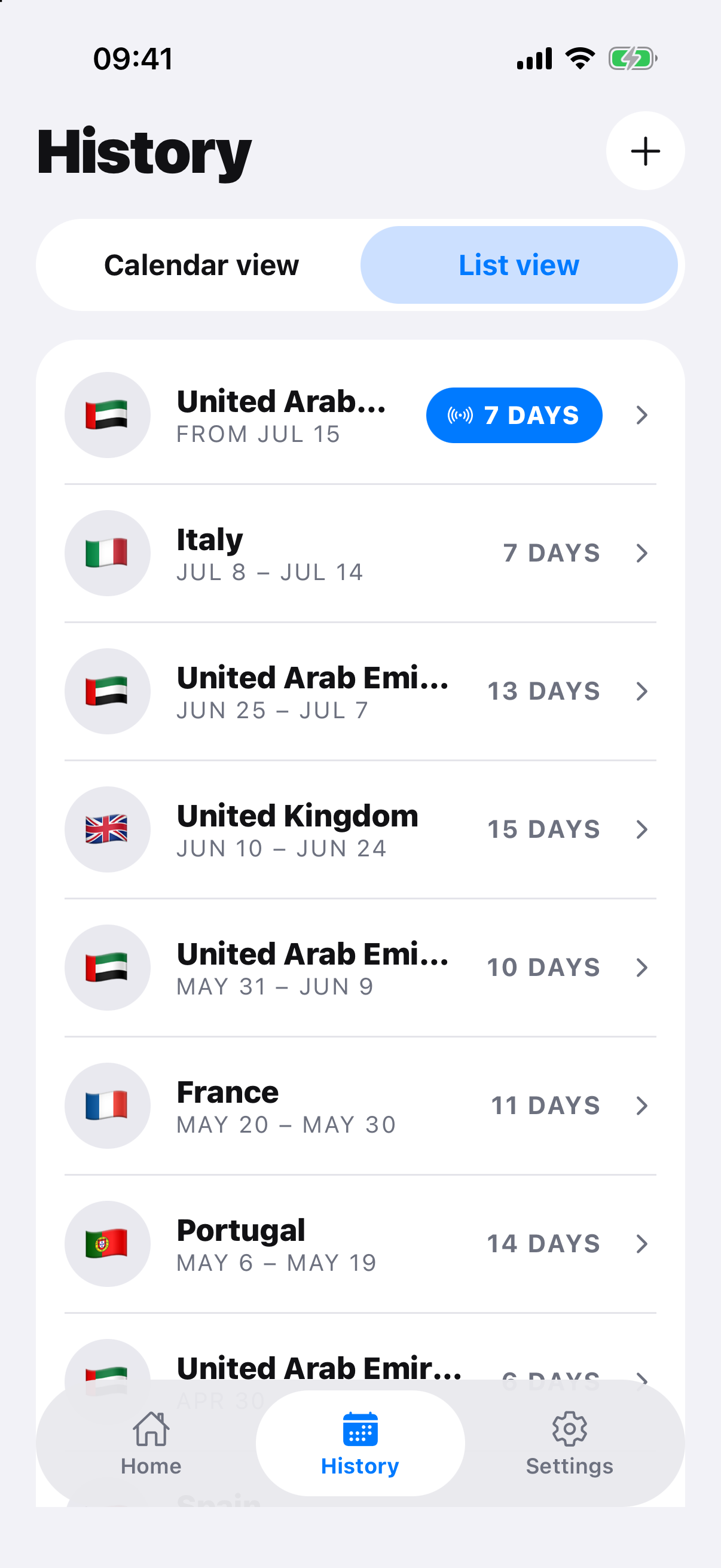
- Scan the calendar for unassigned days, overlaps and impossible jumps.
- Check passport stamps, tickets, accommodation, card records and authority history.
- Use local arrival and departure dates consistently.
- Edit the relevant stay rather than creating a duplicate trip.
- Reopen affected counters and record any unresolved assumption.
Prefer evidence over memory
A single booking may show what was planned, not what happened. Combine records and keep the more authoritative source when dates conflict.
Check the effect of a correction
One changed boundary can alter several rolling windows and annual totals. Recheck every relevant counter, but do not treat the updated number as an authority decision.
Official record and rule sources
Check the authority.
RoamCount for iPhone
Keep the dates behind the count.
Open RoamCount without putting countries, dates or personal travel details in the link.
Edit your travel history